Sent as a Text Message Meaning: Why Your iPhone Bubble Turned Green (and What It Really Means)
Sent as a Text Message Meaning: Why Your iPhone Bubble Turned Green (and What It Really Means)
Quick Answer: “Sent as a Text Message” means your iPhone sent that message as a carrier SMS instead of iMessage, usually because iMessage was unavailable or the message was manually resent. It is not, by itself, an error or proof that you were blocked. A green bubble can also mean RCS or MMS, not only SMS.
Introduction
You type a message to a friend, hit the send button, and expect to see the familiar blue bubble with the word “Delivered” underneath. Instead, the bubble turns green, and your iPhone quietly displays “Sent as a Text Message.” Naturally, you start wondering: Did they block me? Did my message fail? Is something wrong with my iPhone?
Usually, none of those explanations is correct.
The sent as a text message meaning is straightforward: your iPhone could not use iMessage for that particular message, so it sent the message through your mobile carrier using SMS instead. This can happen because of connectivity problems, messaging settings, the recipient’s device, or a temporary iMessage interruption.
However, modern iPhones support more than two messaging methods. Since iOS 18, RCS has also become available for compatible carriers and devices, meaning a green bubble does not always indicate traditional SMS.
This guide explains what the notification means, why it appears, how iMessage, RCS, and SMS differ, whether the message was delivered, and what you can do to fix unexpected green messages.
Sent as a Text Message Meaning on iPhone: What the Label Tells You
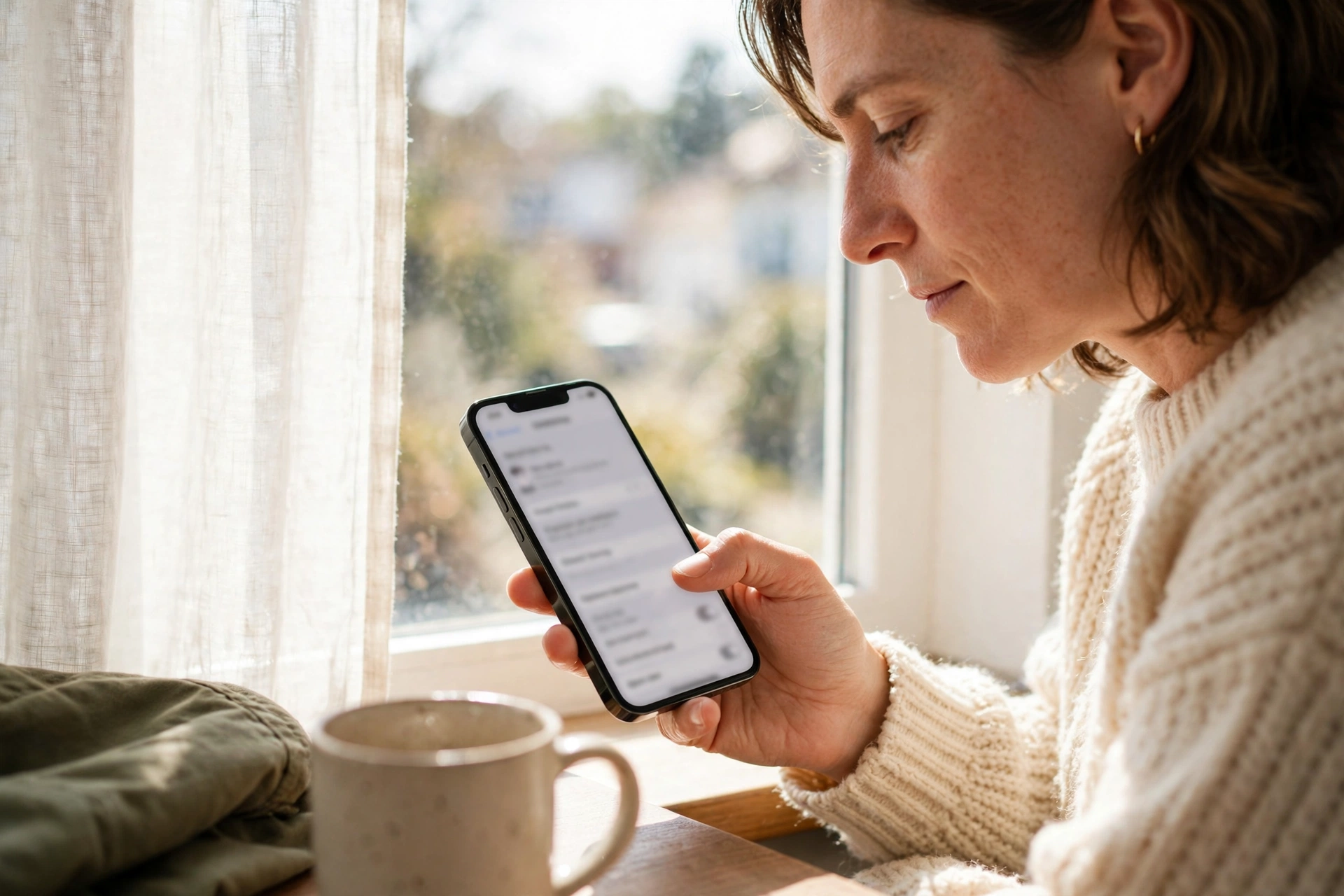
When an iPhone displays “Sent as a Text Message” beneath an outgoing message, it indicates that the message traveled through SMS rather than Apple’s iMessage service.
SMS stands for Short Message Service. It is the traditional carrier-based system used to send written messages between mobile phones.
The notification usually appears when your iPhone cannot send a message through iMessage and switches to an available carrier-based alternative.
Here is what the notification tells you:
- Your message was sent using SMS rather than iMessage.
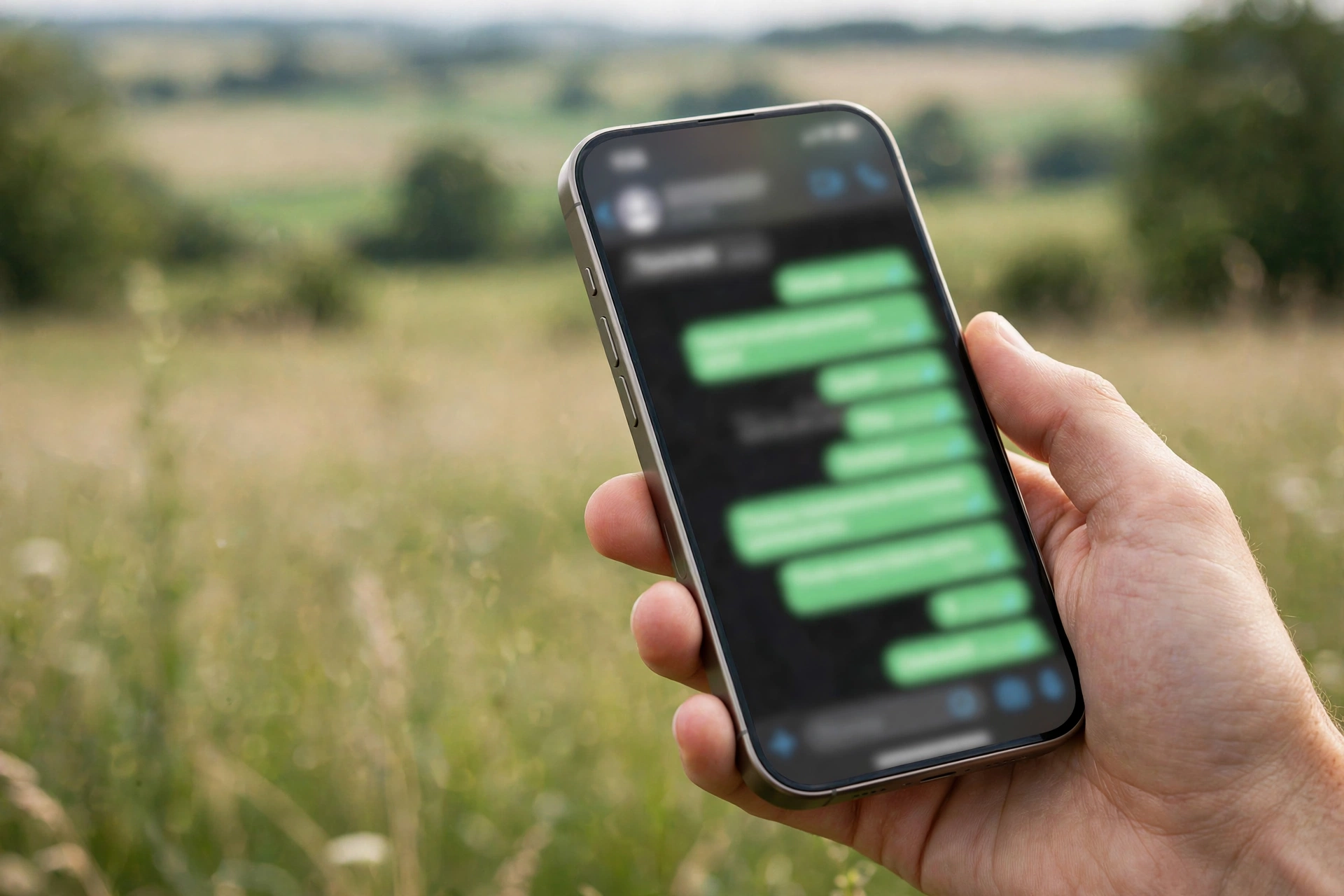
- The message appears in a green bubble instead of a blue one.
- The message used your carrier’s text-messaging service.
- Your iPhone did not send that particular message through iMessage.
- Carrier messaging charges or plan allowances may apply.
- It does not automatically mean that the recipient blocked you, ignored your message, or failed to receive it.
The phrase is also not an acronym, abbreviation, or slang expression. It describes the technical delivery method.
For general English usage, a text message is a written message sent from one mobile phone to another, although Apple’s Messages app distinguishes between several different technologies used to deliver those messages.
An important distinction: The specific “Sent as a Text Message” notification generally indicates SMS fallback. However, a green bubble by itself can represent SMS, MMS, or RCS.
That distinction matters because these technologies have different capabilities, security features, and delivery notifications.
Why Does My iPhone Say Sent as a Text Message?
The notification appears when iMessage is not used for an outgoing message and SMS becomes the delivery method.
Several situations can cause this to happen.
1. The recipient does not use an Apple device
iMessage works between compatible Apple devices.
If you send a message to someone using an Android phone, your iPhone cannot deliver it through iMessage. Depending on carrier compatibility and messaging settings, the message may use RCS or SMS/MMS instead.
For example:
- You use an iPhone.
- Your friend uses a Samsung Galaxy.
- You send your friend a message.
- Your iPhone uses RCS if supported or SMS/MMS if RCS is unavailable.
The green bubble is expected in this situation.
2. iMessage is turned off
Either your iMessage setting or the recipient’s iMessage setting may be disabled.
If the recipient switches off iMessage, changes devices, or temporarily stops using their Apple Account for messaging, your iPhone may no longer be able to send messages through the blue-bubble service.
Check your own settings under:
Settings > Apps > Messages > iMessage
Make sure iMessage is enabled.
3. Your internet connection is unavailable
iMessage requires an internet connection.
It can use either Wi-Fi or cellular data. If both are unavailable, your iPhone cannot normally send an iMessage.
A cellular SMS connection may still work even when mobile data is unavailable.
For example, you might be able to make a regular phone call and send an SMS while having no working internet connection.
4. The recipient’s connection or iMessage service is temporarily unavailable
Temporary network problems can prevent iMessage communication.
The recipient might have an unstable connection, their device might be temporarily offline, or Apple’s messaging service might be experiencing an interruption.
These circumstances can affect the messaging route, although a recipient being offline does not guarantee that an iMessage will automatically become an SMS.
5. Send as Text Message is enabled
Your iPhone includes a setting that allows automatic SMS fallback when iMessage is unavailable.
When enabled, the phone can attempt to send an unavailable iMessage as an SMS.
This setting is useful because it provides another way to contact someone without manually resending every failed message.
6. You manually resent an unsuccessful iMessage
Sometimes an iMessage fails to send.
You may see a red exclamation mark beside the message. Tapping it provides an option to try again or send the message as a text message.
If you choose the SMS option, the message changes to the carrier-based delivery method.
Apple documents this manual recovery process in its iPhone messaging troubleshooting guidance.
iMessage vs RCS vs SMS: Understanding the Three Messaging Routes
One of the biggest misunderstandings about iPhone messaging is assuming that every green bubble represents SMS.
That was a simpler way to understand messaging before RCS support arrived on iPhone.
Modern iPhones can use three primary messaging technologies:
- iMessage
- RCS
- SMS/MMS
The typical messaging preference is iMessage first, RCS when iMessage is unavailable and RCS is supported, and SMS/MMS when the other options are unavailable or unsupported.
iMessage vs RCS vs SMS/MMS comparison
| Feature | iMessage | RCS | SMS/MMS |
|---|---|---|---|
| Bubble color | Blue | Green | Green |
| Connection | Wi-Fi or cellular data | Carrier-supported service | Cellular carrier |
| End-to-end encryption | Yes | Conditional | No |
| Read receipts | Yes, when enabled | Supported | Not standard |
| Typing indicators | Yes | Supported | No |
| High-quality media | Yes | Yes | More limited |
| Works with Android | No | Yes | Yes |
| Carrier text plan | Not required | Required | Required |
iMessage: Apple’s blue-bubble service
iMessage is Apple’s messaging service for compatible Apple devices.
It uses Wi-Fi or cellular data rather than traditional SMS messaging allowances.
Its main features include:
- Blue message bubbles.
- End-to-end encryption.
- Read receipts.
- Typing indicators.
- Message reactions and effects.
- High-resolution photo and video sharing.
If both people have iMessage enabled and the service is available, the conversation normally uses this route.
RCS: The newer green-bubble alternative
RCS stands for Rich Communication Services.
Apple introduced RCS support with iOS 18 for compatible carriers, making communication between iPhones and Android devices more advanced than traditional SMS.
RCS supports features such as:
- Read receipts.
- Typing indicators.
- High-resolution photos and videos.
- Larger media transfers.
- Message reactions.
- Improved group messaging.
RCS messages still appear in green bubbles.
RCS encryption is conditional. End-to-end encryption is available only when the participating carriers support it. Look for the Encrypted indicator and lock icon rather than assuming every RCS conversation is protected.
SMS/MMS: Traditional carrier texting
SMS and MMS are the traditional mobile carrier messaging services.
SMS is primarily used for written messages, while MMS supports multimedia content such as pictures and videos.
These messages appear in green bubbles and are not end-to-end encrypted.
They are useful when iMessage and compatible RCS messaging are unavailable.
The important takeaway: Green does not automatically mean SMS. It means the message was not sent through iMessage. The actual route could be RCS, SMS, or MMS.
Sent as a Text Message vs Not Delivered vs Delivered
These three labels describe different aspects of message transmission.
Confusing them can make a normal messaging situation look like a delivery problem.
| Status | What it means | Does it indicate failure? |
|---|---|---|
| Sent as a Text Message | The message was sent using SMS instead of iMessage | No, not by itself |
| Delivered | A delivery confirmation was received | No |
| Not Delivered | The message could not be delivered successfully | Yes |
What does Sent as a Text Message mean?
It identifies the messaging route.
Your iPhone used SMS instead of iMessage. The notification is not itself an error message.
It also does not confirm that the recipient has opened or read the message.
What does Delivered mean?
Delivered indicates that the messaging service has reported successful delivery.
It does not mean the recipient has necessarily read the message.
For iMessage, if read receipts are disabled, the sender generally sees Delivered rather than Read. RCS also supports delivery and read receipts when available.
What does Not Delivered mean?
Not Delivered indicates an unsuccessful sending attempt.
You may see a red exclamation mark next to the message.
Apple recommends checking your connection, trying again, and, if necessary, choosing Send as Text Message.
If the SMS attempt also fails, you may need to check your cellular connection or contact your carrier.
Why Are My Texts Green? A Quick Diagnostic Guide
If you are wondering why your texts are green, the first thing to check is whether the change affects one contact or every conversation.
The pattern can help narrow down the cause.
Situation 1: Only one person’s messages are green
If your other iPhone conversations remain blue but one contact suddenly appears green, the issue may be specific to that recipient.
Possible explanations include:
- They switched from an iPhone to an Android device.
- They turned off iMessage.
- Their iMessage registration is temporarily unavailable.
- They changed their phone number.
- Their device or connection is temporarily unavailable.
Check whether the person has changed devices or phone numbers before troubleshooting your own iPhone.
Situation 2: All previously blue conversations turn green
If conversations with multiple known iPhone users suddenly switch to green, check your own device.
Possible causes include:
- iMessage is disabled.
- Your phone number is not selected in Send & Receive.
- Your internet connection is unavailable.
- Your iMessage activation needs attention.
- A temporary Apple service interruption is occurring.
Situation 3: Messages to Android users are green
This is normal.
Your iPhone uses RCS when the recipient’s carrier and your carrier support it. Otherwise, it may use SMS/MMS.
The green text message meaning in this situation is simply that the conversation is using a non-iMessage protocol.
Situation 4: Some messages are blue and others are green in the same conversation
Different messages can use different delivery methods.
For example, you might send one message through iMessage and another through SMS because the connection or availability changed between sending attempts.
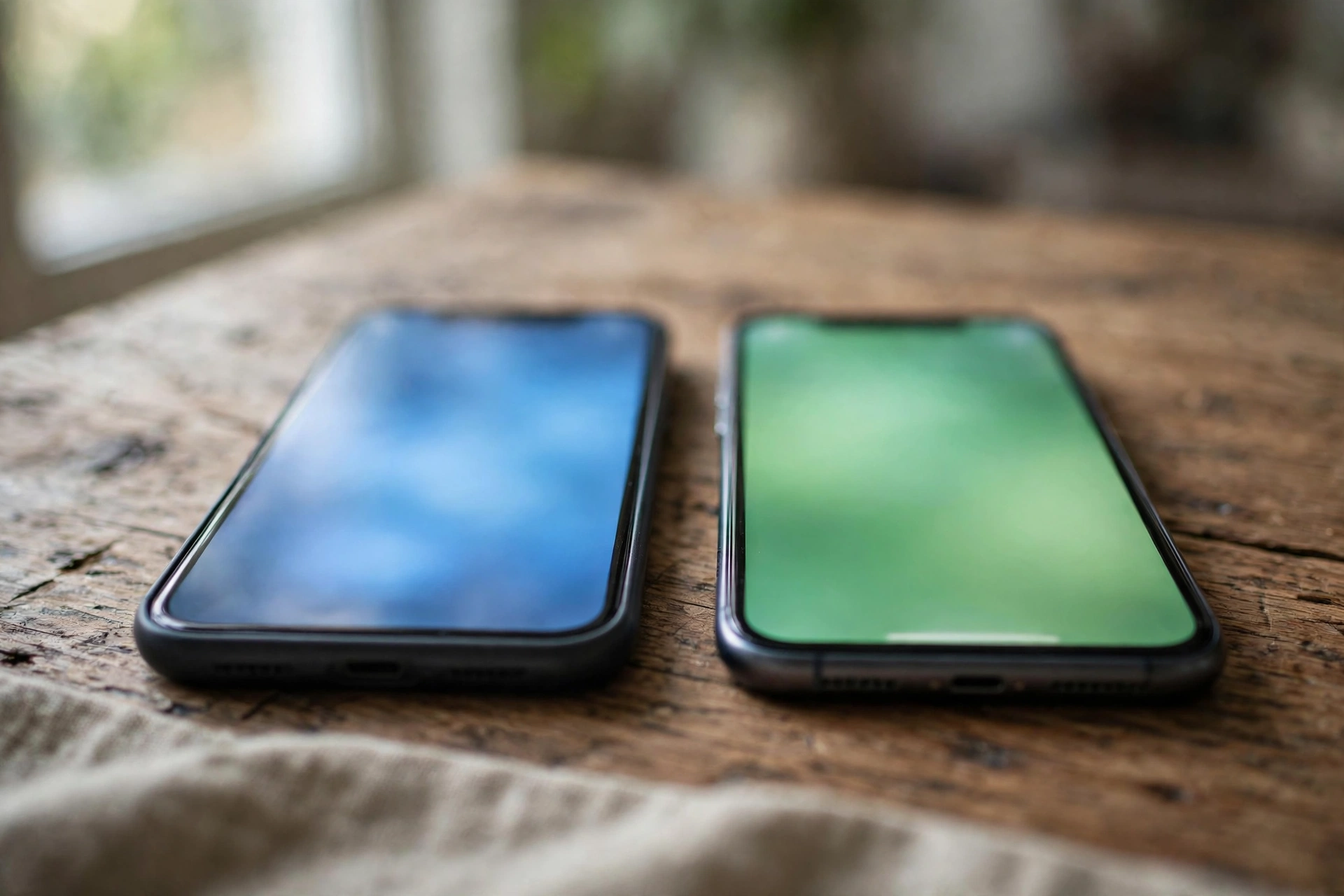
The blue vs green text messages iPhone displays are indicators of the messaging technology, not the recipient’s feelings or intentions.
How to Turn the Send as Text Message Setting on or Off
Your iPhone allows you to control automatic SMS fallback.
The relevant send as text message setting iPhone users can access is located inside the Messages settings.
How to turn Send as Text Message ON
Follow these steps:
- Open the Settings app.
- Tap Apps.
- Select Messages.
- Find Send as Text Message.
- Turn the switch on.
When enabled, your iPhone can automatically attempt to send an SMS when iMessage is unavailable.
How to turn Send as Text Message OFF
If you prefer not to use automatic SMS fallback, follow these steps:
- Open Settings.
- Tap Apps.
- Select Messages.
- Find Send as Text Message.
- Turn the switch off.
Your iPhone will no longer automatically switch an unavailable iMessage to SMS through this setting.
However, disabling this option does not disable RCS, eliminate all green bubbles, or make SMS unavailable for every other messaging situation.
It is also worth remembering that manually choosing Send as Text Message after a failed iMessage is a separate action.
The settings path may look slightly different on older iOS versions.
How to Fix Sent as a Text Message on iPhone
If you want your messages to use iMessage whenever possible, work through these checks.
Step 1: Make sure iMessage is enabled
Open:
Settings > Apps > Messages
Find iMessage and make sure the switch is on.
If it is already enabled, turning it off and back on can help resolve temporary activation problems.
Step 2: Check Send & Receive
Open:
Settings > Apps > Messages > Send & Receive
Confirm that your correct phone number is selected.
If you recently changed your SIM, activated an eSIM, or purchased a new iPhone, your number may need to be registered correctly with iMessage.
Step 3: Check Wi-Fi and cellular data
iMessage requires internet connectivity.
Try opening a website to confirm that your internet connection works.
If Wi-Fi is unreliable, try cellular data. If cellular data is unavailable, connect to a working Wi-Fi network.
Step 4: Check RCS availability
If you communicate with Android users, check whether your carrier supports RCS.
You can find the setting under:
Settings > Apps > Messages > RCS Messaging
Availability depends on your iOS version, carrier, and region.
Step 5: Restart your iPhone
Restarting your phone can resolve temporary software or connectivity issues.
After restarting, open Messages and try sending a new message.
Step 6: Update your iPhone
An outdated iOS version can contribute to messaging problems.
Check:
Settings > General > Software Update
Install an available update if appropriate.
Step 7: Check your carrier service
If SMS messages also fail, check whether your cellular line is active and whether your plan supports SMS/MMS.
You may need your carrier’s help if the problem continues.
These checks are particularly useful after changing devices, switching phone numbers, or activating a new cellular plan. Apple’s troubleshooting instructions also recommend verifying the active phone line and iMessage Send & Receive settings.
Does Sent as a Text Message Mean You Are Blocked?
No. Seeing “Sent as a Text Message” does not prove that someone blocked your number.
This is one of the most common misconceptions about iPhone messaging.
A green bubble can appear for ordinary technical reasons, including:
- The recipient uses Android.
- Their iMessage setting is disabled.
- Your internet connection is unavailable.
- Their iMessage service is temporarily unavailable.
- Your phone used SMS fallback.
None of these circumstances establishes that the recipient has blocked you.
What actually happens when someone blocks a number?
Apple’s blocking feature prevents messages from blocked contacts from being delivered to the person who blocked them.
However, Apple does not send the blocked sender a direct notification announcing that they have been blocked.
Consequently, there is no reliable message-bubble color or single delivery label that conclusively proves blocking.
A green bubble, an unanswered message, or the absence of a Read receipt should not be treated as confirmation.
If you are concerned about a conversation, avoid interpreting technical delivery indicators as evidence of someone’s personal intentions.
Does Sending a Text Message Cost Money?
It can, depending on your cellular plan and carrier.
iMessage uses Wi-Fi or cellular data. It does not count against your regular SMS, MMS, or RCS messaging allowances, although cellular data charges may apply.
SMS and MMS use carrier-provided messaging services. Depending on your plan, these messages may be included, deducted from a messaging allowance, or charged separately.
RCS also depends on carrier support and your messaging plan.
What happens when you travel internationally?
International texting charges depend on your carrier and roaming agreement.
For example, sending an SMS while travelling abroad might incur an international roaming charge if your plan does not include it.
Before relying on automatic SMS fallback while travelling, check your carrier’s international messaging rates.
The safest approach is to understand which messaging services your plan includes rather than assuming every green message is free.
Will a Message Sent as a Text Message Show on My Mac or iPad?
Yes, it can.
Your SMS, MMS, and RCS messages can appear on your other Apple devices when you configure Text Message Forwarding or Messages in iCloud.
Option 1: Use Messages in iCloud
Messages in iCloud keeps your message history synchronized across supported Apple devices signed in to the same Apple Account.
It can include:
- iMessage conversations.
- SMS messages.
- MMS messages.
- RCS messages.
When this feature is configured, you generally do not need to enable Text Message Forwarding separately.
Option 2: Use Text Message Forwarding
You can also configure forwarding manually.
On your iPhone:
- Open Settings.
- Tap Apps.
- Select Messages.
- Tap Text Message Forwarding.
- Enable the Mac or iPad you want to use.
Your iPhone needs to be turned on and connected to a Wi-Fi or cellular network.
Make sure the devices use the same Apple Account and that the relevant messaging settings are configured.
Apple confirms that SMS, MMS, and RCS messages can appear on supported Apple devices through these features.
Code Sent as a Text Message Meaning: Understanding Verification Codes
Sometimes you may see a message on a website or application saying that a code was sent as a text message.
This has a slightly different context from the iPhone delivery notification.
It means that a verification code has been sent to your registered mobile phone number through SMS.
These codes are commonly used for:
- Account registration.
- Password resets.
- Two-factor authentication.
- Banking verification.
- Login confirmation.
- Identity verification.
For example, when you sign in to an account, the website might display:
“Your verification code has been sent as a text message.”
You should then open your phone’s Messages app and look for the incoming code.
If you do not receive it:
- Check that you entered the correct phone number.
- Confirm that your cellular service is working.
- Check filtered or unknown-sender messages.
- Wait briefly for the carrier message to arrive.
- Request another code if the original does not arrive.
Never share a verification code with someone who contacts you unexpectedly. A legitimate service should not require you to disclose a private login code to another person.
Frequently Asked Questions
What does “sent as a text message” mean on iPhone?
It means your iPhone sent the message through SMS rather than Apple’s iMessage service. This commonly happens when iMessage is unavailable or when you manually choose to resend a failed iMessage as a text. The notification describes the delivery method, not whether the recipient has read your message.
Why does my iPhone say “sent as a text message”?
Your iPhone may display this notification because iMessage is disabled, the internet connection is unavailable, the recipient cannot currently use iMessage, or automatic SMS fallback is enabled. It can also appear after manually choosing Send as Text Message for an unsuccessful iMessage.
Does “sent as a text message” mean I am blocked?
No. A green bubble or SMS fallback does not prove that someone blocked you. There are several ordinary technical explanations for the change in messaging method. Apple does not send the blocked sender a direct notification, so the bubble color cannot reliably establish whether blocking occurred.
Does “sent as a text message” mean my message was delivered?
It indicates that your message was sent using SMS instead of iMessage. However, it is not the same as a confirmed Read receipt. The recipient’s phone, cellular connection, and carrier service can still affect delivery. Do not assume that the recipient has opened or read the message just because it was sent.
What is the difference between “sent as a text message” and “not delivered”?
“Sent as a Text Message” identifies a change in delivery method, usually from iMessage to SMS. “Not Delivered” indicates that the sending attempt was unsuccessful. The latter typically appears with a red exclamation mark and offers options to retry or send the message as a text.
Is a text message the same as an iMessage?
No. In everyday language, both are text messages, but they use different technologies. iMessage uses Apple’s internet-based messaging service and displays blue bubbles. SMS uses a cellular carrier’s messaging service and displays green bubbles. RCS is another option that also appears green on iPhone.
Can I turn off “send as text message” on my iPhone?
Yes. Open Settings, tap Apps, select Messages, and switch off Send as Text Message. This prevents automatic SMS fallback when iMessage is unavailable. However, it does not disable RCS or eliminate every situation in which your iPhone can send a green-bubble message.
Why did my iMessage suddenly turn green?
Your iMessage may have switched to a different messaging method because the recipient’s iMessage became unavailable, your internet connection changed, or your messaging settings changed. On modern iPhones, green bubbles can represent RCS, SMS, or MMS. A green bubble alone does not identify the exact cause.
Does “sent as a text message” cost money?
It depends on your carrier plan. SMS and MMS may use included text allowances or incur additional charges. International messaging and roaming can also cost extra. iMessage uses internet data instead of your regular SMS allowance, although cellular data charges may apply.
Why do only one contact’s messages send as text messages?
That contact may have switched to an Android device, disabled iMessage, changed their number, or temporarily lost access to iMessage. If your other iPhone conversations remain blue, the issue is more likely related to that particular recipient than to your own general messaging settings.
What does “code sent as a text message” mean?
It means a website, application, or service has sent a verification code to your registered phone number using SMS. Open your Messages app to find the code. If it does not arrive, check your phone number, cellular connection, and filtered messages before requesting another code.
Will a message sent as a text message show on my Mac or iPad?
Yes, provided your Apple devices are configured correctly. Messages in iCloud and Text Message Forwarding can synchronize or forward SMS, MMS, and RCS messages between supported devices. Make sure your devices use the same Apple Account and that your iPhone is connected and configured for messaging.
Conclusion
The sent as a text message meaning is much simpler than many iPhone users assume. It generally means your iPhone used SMS instead of iMessage because the internet-based messaging service was unavailable or you manually selected the carrier-based alternative.
A green bubble does not automatically mean someone blocked you, ignored your message, or failed to receive it. Remember that modern iPhones also support RCS, which uses green bubbles while offering more features than traditional SMS.
If the change happens unexpectedly, check your iMessage settings, internet connection, phone number registration, and carrier support. Understanding the difference between iMessage, RCS, and SMS makes it much easier to recognize what happened and choose the right fix.